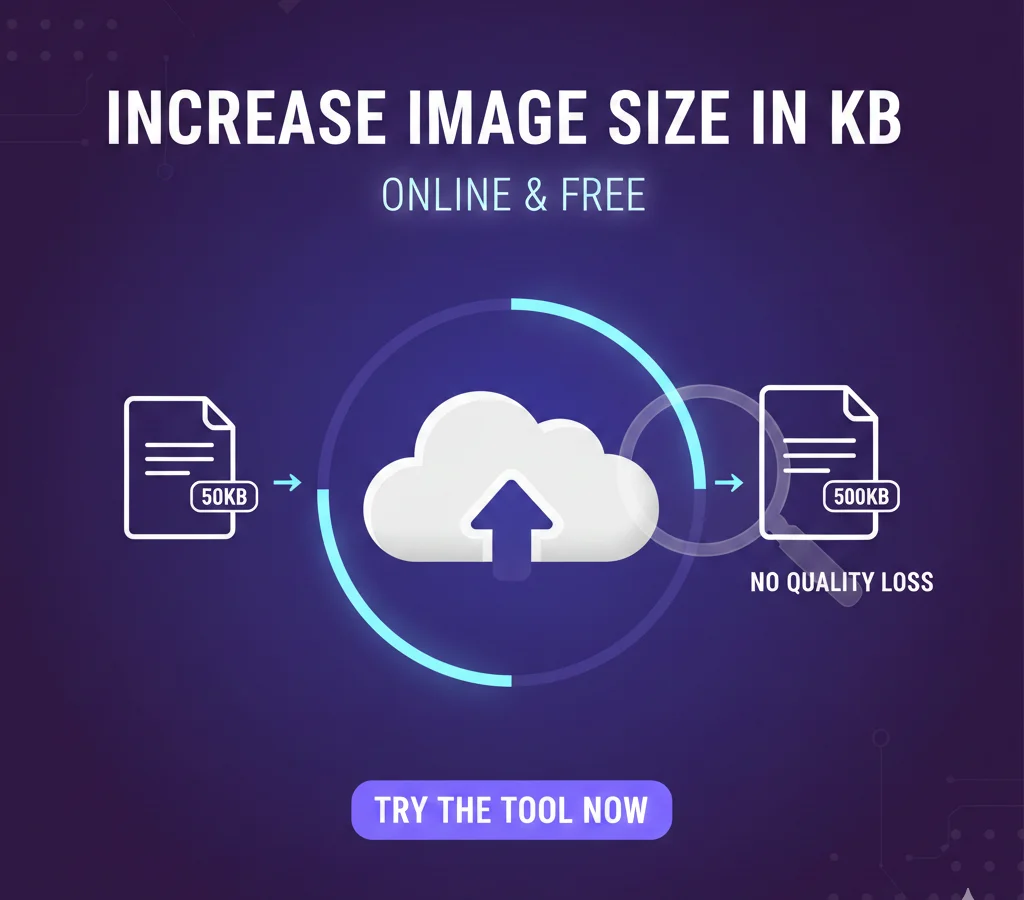
Increase Image Size in KB Online
Increase JPG, PNG, SVG or GIF size to your desired KB without losing quality
📂 Drag & Drop your images here or
Done! Image size increased successfully.
Increase Image Size in KB Online Without Losing Quality: The Ultimate Guide
In the digital world, we often talk about shrinking images to save space. However, there are many scenarios where you need to do the exact opposite. Whether you are dealing with strict government portal requirements, job application uploads, or specific printing standards, you might find yourself asking: “How can I increase my image size in KB online?”
Our Image Size Increaser Tool is designed to solve this exact problem efficiently, for free, and without sacrificing the visual integrity of your photos.
You can use alternative best Image Size Increaser for better result.
Why Would You Need to Increase Image Size?
It sounds counterintuitive, but “size matters” when it comes to file specifications. Here are the most common reasons users need an image size booster:
Online Forms & Portals: Many government, academic, or job portals require a minimum file size (e.g., “Image must be between 100KB and 500KB”). If your optimized photo is too small, the system will reject it.
Printing Requirements: High-resolution printing often requires larger file headers to ensure the printer processes the data correctly.
SEO & Web Performance: In some niche cases, placeholders or specific UI elements require a minimum weight to be recognized correctly by legacy systems.
How Our Tool Works (While Maintaining Quality)
Most people fear that increasing a file’s size will result in a blurry or “pixelated” mess. Our tool uses a smart padding technique. Instead of artificially stretching pixels (which causes blurriness), it adjusts the file’s internal metadata and data structure.
This allows you to hit a target KB size—like 50KB, 100KB, or 200KB—while the actual visual appearance of the image remains 100% identical to the original.
Key Features of the Image Size Increaser
Completely Free: No subscriptions or hidden “premium” features.
Privacy First: All processing happens locally in your browser. Your images are never uploaded to a server, keeping your personal data safe.
Format Support: Easily increase the size of JPG, PNG, SVG, and GIF files.
Instant Download: Set your target size, click a button, and get your new file in seconds.
User-Friendly Interface: A clean, purple-themed design that makes navigation a breeze.
Step-by-Step: How to Increase KB of an Image
Using our tool is as simple as 1-2-3:
Upload Your Image: Drag and drop your file into the purple box or click “Select File.”
Set Target Size: Enter the specific number of Kilobytes (KB) you need (e.g., 150).
Download: Click “Click To Increase & Download.” The tool will process the file and automatically trigger a download of your resized image.
Frequently Asked Questions (FAQs)
: Will increasing the KB make my photo look better? A: No. Increasing the file size in KB adds data to the file to meet technical requirements, but it cannot “hallucinate” new details into a low-quality photo. It will, however, ensure it isn’t rejected by upload portals.
Q: Is it safe to upload my ID or Passport photos? A: Yes! Because our tool runs on client-side JavaScript, your photo never leaves your computer. It is processed within your own browser window.
Q: Can I increase a 10KB photo to 1MB? A: Yes, you can set the target size to 1000KB. However, we recommend only increasing it to what is specifically required to keep your workflow efficient.